TEMPORARY EMAIL SERVICE DISRUPTION: Our email services are temporarily unavailable. For assistance, please contact us via WhatsApp at
019-343 3407
or call our Contact Centre at
+603-6279 3188.
We apologise for any inconvenience caused.
×
24/7 Careline


Making a Payment
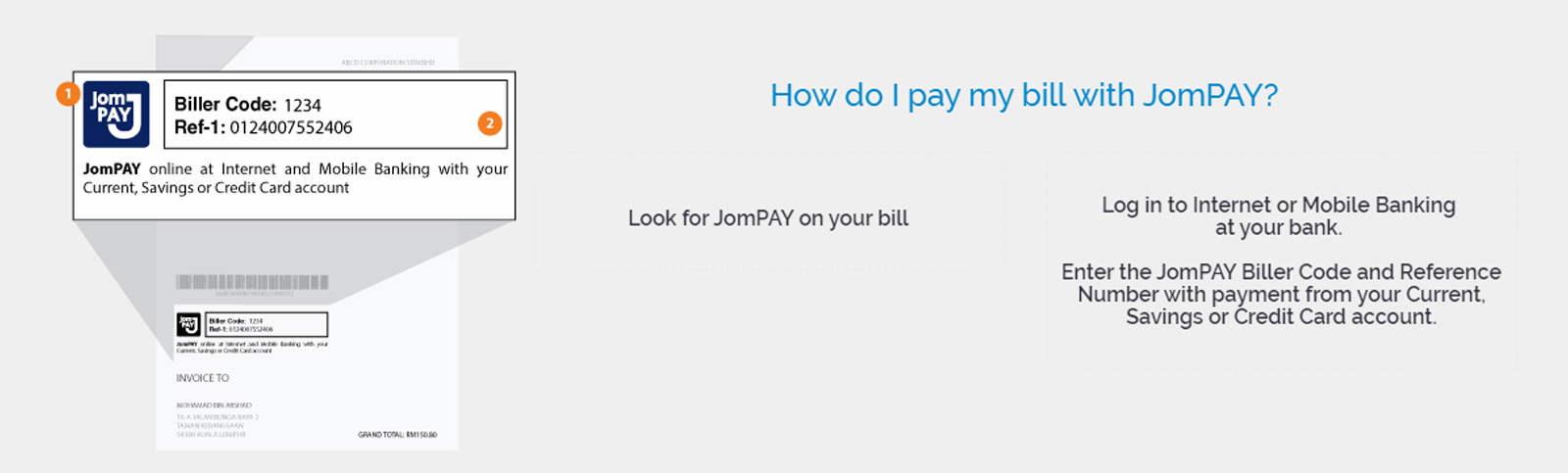
Simple Steps to Make Payments with JomPAY
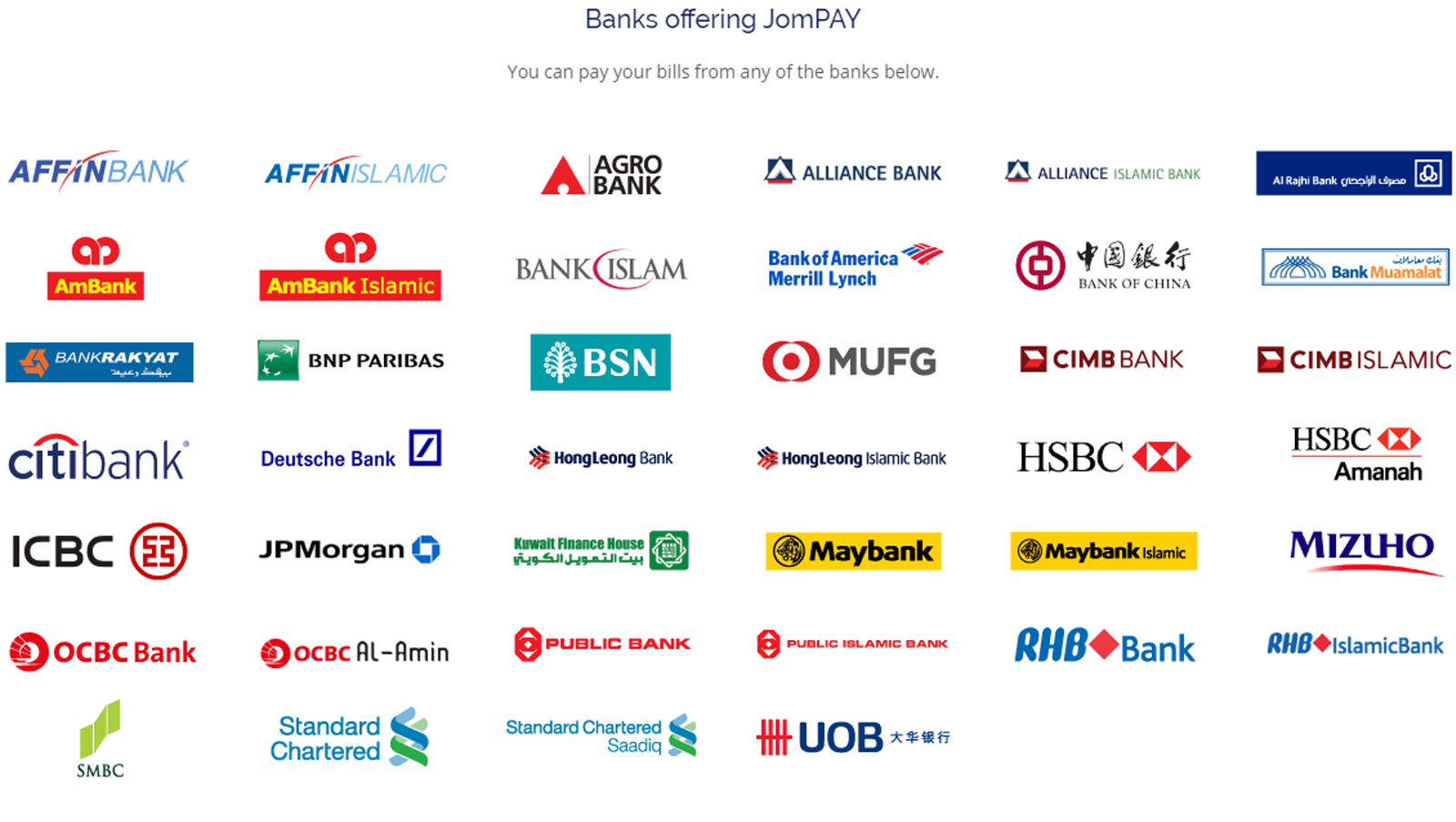
JomPAY is Malaysia’s national bill payment scheme established and operated by Payments Network Malaysia Sdn Bhd (PayNet), under the auspices of Bank Negara Malaysia with the participation of banks and large billers. JomPAY establishes an accessible bill payment eco-system for consumers, banks and billers, where customer of 40 banks in Malaysia can pay bills anywhere and anytime.

Making a Payment for Asia OneHealthcare Hospitals bills
- Step 1: Look for JomPay on your medical bill (Statement of Claim OR Patient Bill)
- Step 2:Log in to Internet or Mobile Banking at your bank (eg: Maybank2U, CIMBClicks or etc)
- Step 3:Select “Pay” and then select “JomPAY”
- Step 4:Enter JomPAY Biller Code, Ref-1 AND Ref-2*
- Step 5:Enter payment from Current, Savings or Credit Card account
- Step 6:Proceed with payment
*Ref-2 is MANDATORY for A1Health Hospitals medical bills. Depending on your bank’s online banking apps, Ref-2 might appear at different step/separately from Ref-1
Biller Code: 86884 - SJP Medical Centres Sdn Bhd – PMC